Exploring Calibration Methods for On-Screen Joystick Deadzones in Mobile Platformers to Enhance Precision Jumping Sequences Across Varying Screen Sizes
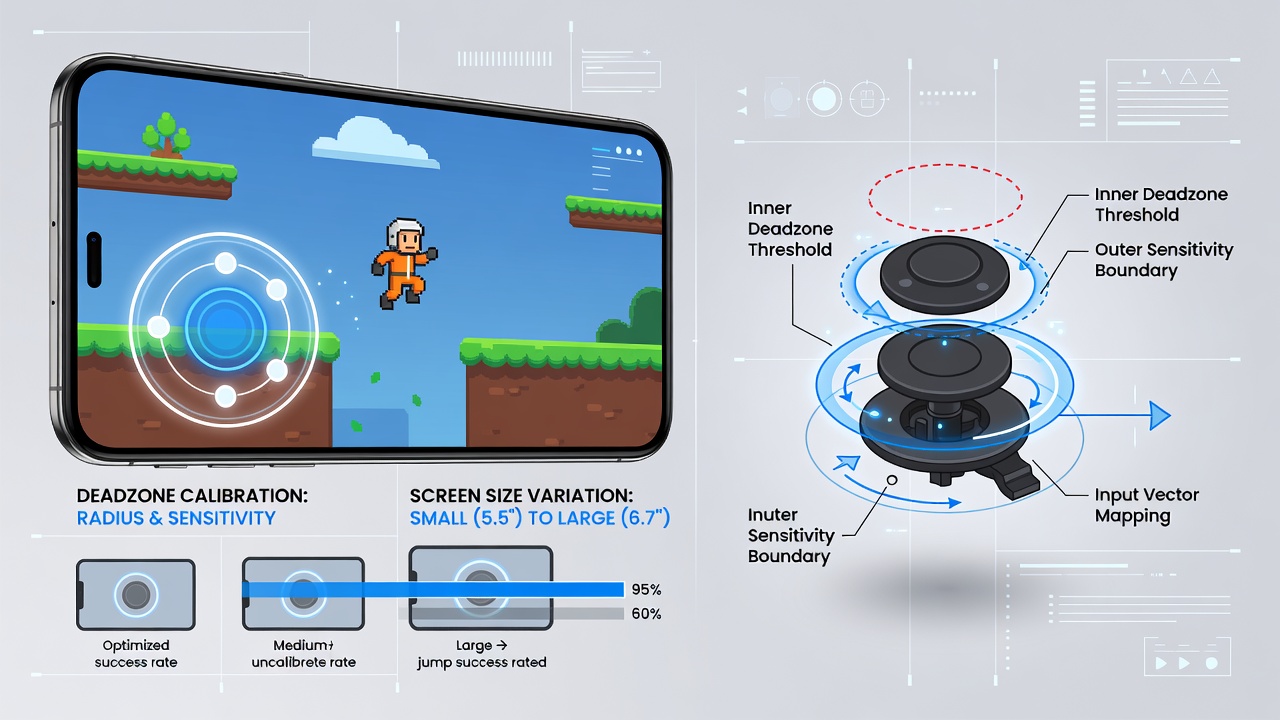
Platformer games on mobile devices rely heavily on virtual joysticks for character control, and deadzone calibration plays a central role in determining how input registers during critical actions like precision jumps. Deadzones represent the central area of a joystick where no movement registers, which prevents unintended drift yet can interfere with fine adjustments when set too broadly or too narrowly.
Understanding Deadzone Mechanics in Touch-Based Input Systems
Developers configure deadzones through software parameters that define the threshold radius around the joystick center, and these settings interact directly with screen dimensions because larger displays distribute touch points across greater pixel distances while smaller ones compress the same input area. Studies from input hardware research indicate that fixed deadzone values often lead to inconsistent jump trajectories when players switch between devices with varying resolutions and aspect ratios.
Calibration methods address this by mapping the physical touch coordinates to normalized input vectors that account for device-specific display metrics, and adaptive algorithms adjust the deadzone radius dynamically based on detected screen density. Researchers have documented that such mappings improve landing accuracy in sequences requiring repeated mid-air corrections.
Common Calibration Approaches and Their Implementation
Static calibration involves preset deadzone sizes determined during development through testing on representative hardware samples, whereas dynamic methods use runtime sensor data to resize the inactive zone according to grip style and finger contact area. Software libraries commonly expose APIs that let players manually tune deadzone sliders, and these interfaces frequently include visual feedback overlays that display the current threshold circle during adjustment sessions.
Another technique employs machine learning models trained on aggregated touch telemetry from thousands of play sessions, allowing the system to predict optimal deadzone values per device model and even per user profile. Data collected across multiple platformer titles shows measurable reductions in failed jump attempts after such personalized calibration activates.
Screen Size Variations and Their Effects on Jump Precision
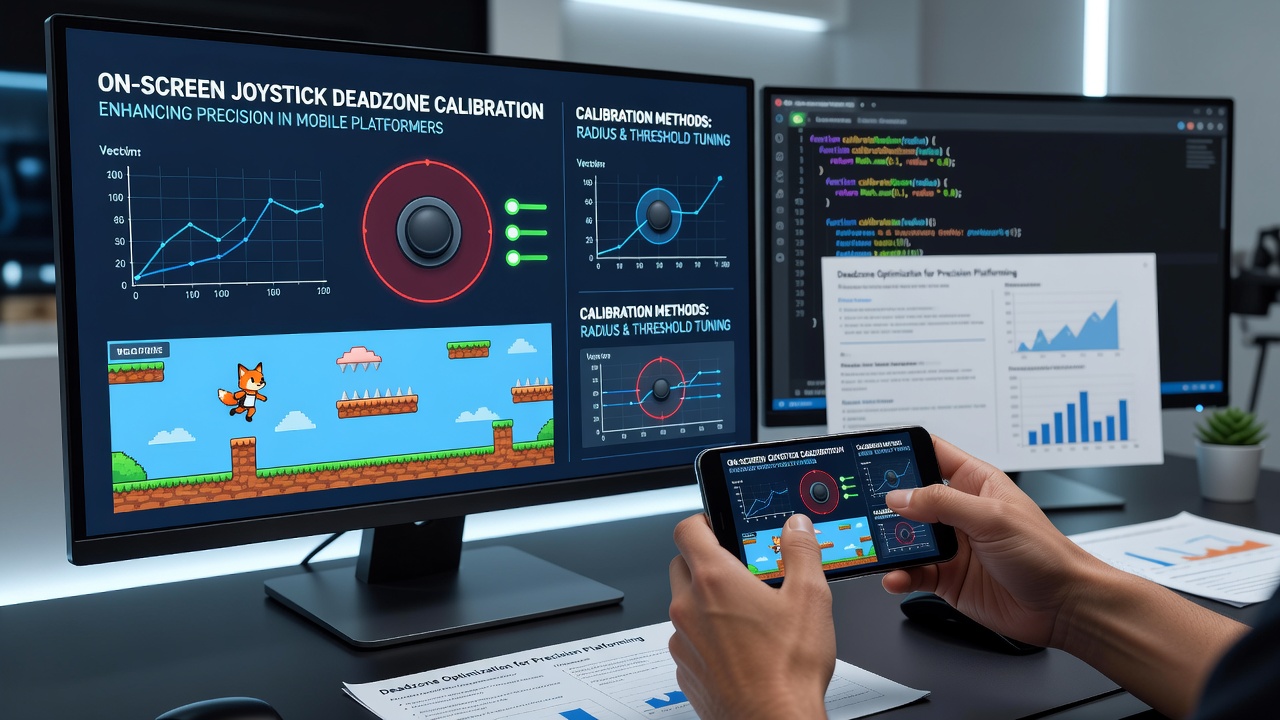
Screen size directly influences the pixel-to-millimeter ratio of touch input, which means a deadzone calibrated for a 6-inch phone may register as overly sensitive on a 10-inch tablet or too restrictive on compact foldables. Developers therefore incorporate device detection routines that query display metrics at launch and scale joystick parameters accordingly, and this practice has become standard in titles released after 2024.
Precision jumping sequences suffer when deadzones fail to adapt because players must compensate with exaggerated finger movements that disrupt timing windows, particularly in levels featuring narrow platforms or moving targets. Observers note that games supporting multi-device calibration profiles record higher completion rates for advanced challenge stages compared with those using uniform settings.
Advanced Techniques for Enhanced Accuracy
Hybrid calibration combines user-defined baselines with algorithmic refinement, where initial player adjustments establish a comfort zone and subsequent gameplay data refines the boundaries through small incremental updates. This approach reduces the need for repeated manual tweaks while maintaining responsiveness across screen orientations.
Integration with gyroscope data provides supplementary input smoothing during jumps, allowing the system to detect subtle device tilts that supplement joystick commands and thereby permit tighter deadzone settings without sacrificing control. Reports from mobile development conferences highlight successful implementations in several high-profile platformers that leverage sensor fusion for these refinements.
Testing protocols typically involve standardized jump courses measured across device categories, and metrics track variables such as overshoot distance, air time consistency, and recovery speed after missed landings. Findings from these evaluations guide iterative updates to calibration curves that accommodate both portrait and landscape play styles.
Practical Considerations for Developers and Players
Implementation requires careful balancing so that calibration remains transparent to users while delivering consistent performance, and many studios now include optional calibration wizards triggered during first launch or after device changes. Accessibility features sometimes expose simplified presets labeled for different precision needs, ranging from relaxed settings for casual play to minimal deadzones favored in competitive speedruns.
Community-driven calibration sharing has emerged in some game ecosystems, where players export and import tuned profiles tailored to specific hardware, and aggregated data from these exchanges informs broader patches that improve baseline performance for everyone. Industry analyses from organizations such as the International Game Developers Association confirm growing adoption of these collaborative methods.
Conclusion
Calibration of on-screen joystick deadzones continues to evolve as mobile hardware diversifies, and effective methods combine device-aware scaling, user input, and adaptive algorithms to support reliable precision jumping regardless of screen dimensions. Ongoing research into sensor integration and telemetry-driven refinement promises further gains in input fidelity for platformer experiences on touch devices.